
 | Intellikit – Boost Your SOLIDWORKS Productivity Intellikit is a suite of smart SOLIDWORKS add-ins designed to streamline daily engineering workflows. From precision modeling to automated drawing and large-scale file handling, Intellikit reduces manual errors and eliminates time-consuming bottlenecks. Benefits of Using Intellikit
Click To Buy |
Key Features & Tool Highlights:
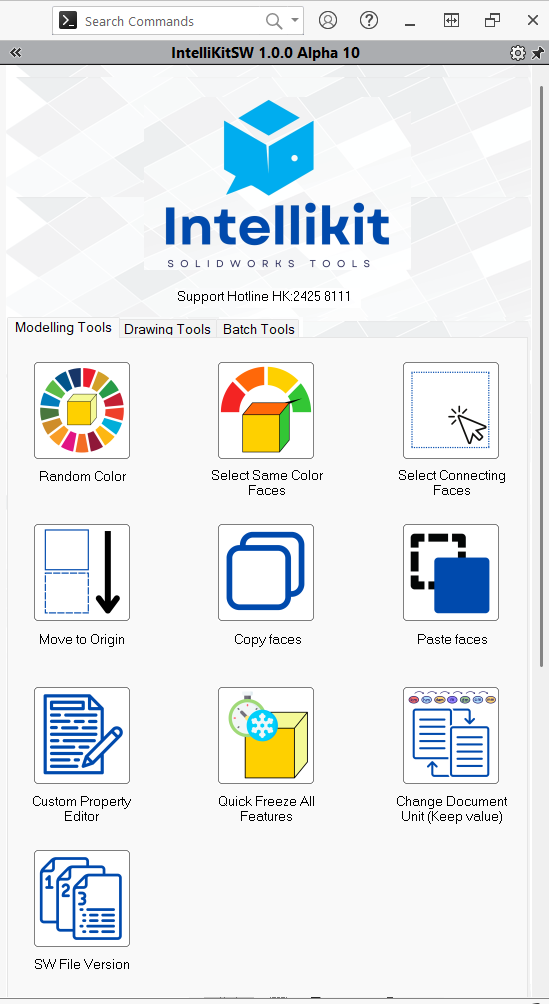
Modeling Tools
| 1. Move to Origin | Resolves issues of misalignment between the model's and the file's default coordinate system, or misalignment of reference planes. |
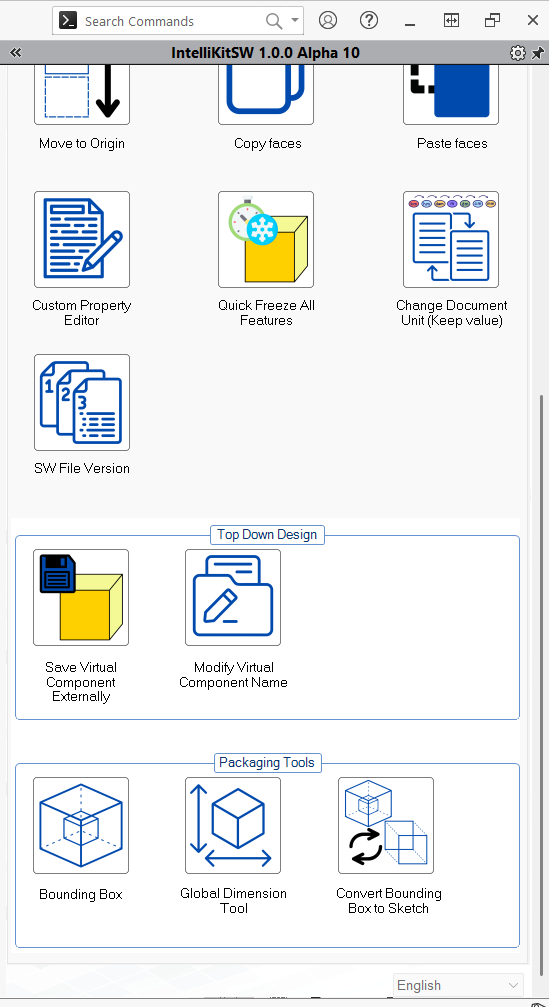
| 2. Quick Freeze All Features | Allows all features in a part file to be frozen or unfrozen with a single click, improving performance when working with complex models. |
| 3. Save Virtual Components | Quickly saves virtual components within an assembly as physical part files to a specified directory. |
| 4. Copy / Paste Faces | Enables flexible selection, copying, and pasting of surfaces, providing efficient support for advanced part modeling and surface operations. |
| 5. Random Color Assignment | Automatically assigns random colors to components, supporting both multi-body parts and assemblies for improved visual identification. |
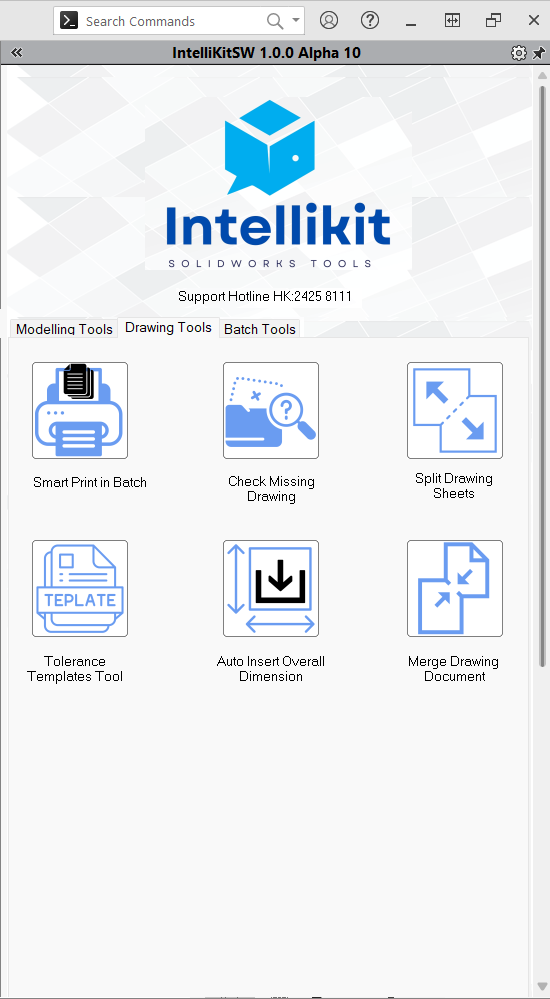
Drawing Tools
| 1.Merge Drawing Document | Merges multiple drawing files into a single drawing with multi-pages. |
| 2.Auto Insert Overall Dimension | Automatically outputs the maximum dimensions (length, width, and height) for the selected view with one click |
| 3.Tolerance Templates Tool | Helps users quickly save commonly used tolerance values and rename regarding purposes |
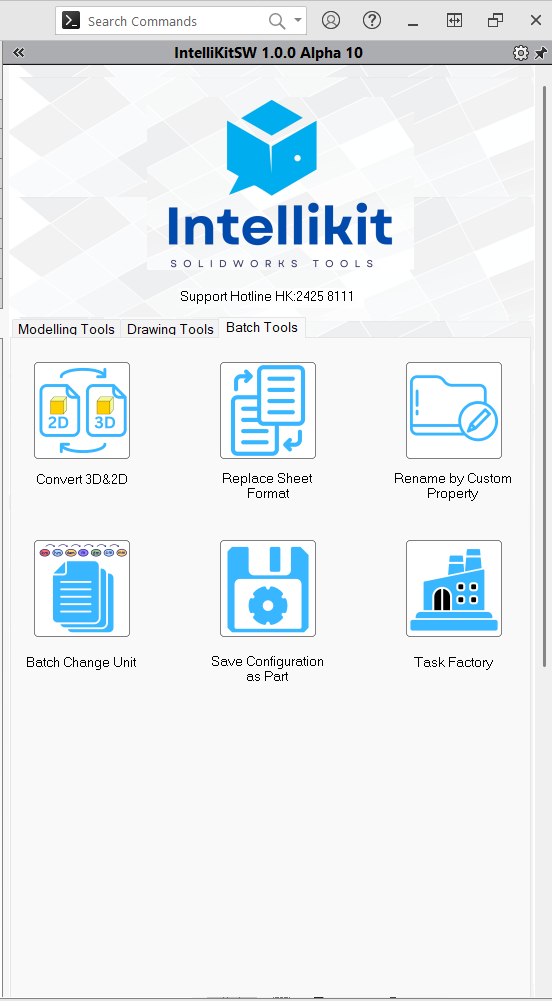
Batch Tools
| 1.Convert 3D&2D | Batch converts document formats, such as IGES, STP, with more comprehensive functionality. |
| 2.Replace Sheet Formats | Can be executed based on drawings with same sheet sizes. |
| 3.TASK FACTORY | An enhanced version of Windows Task Scheduler, allowing for more batch management of 3D model files. |
 |  |  |  |